Useful defaults
Rendering, input, audio, assets, saving, tooling, and common game systems are ready when you need them.

VOID Engine
An extensible .NET game framework built to give you useful defaults without locking you into them.
VOID Engine
VOID is a lightweight, modular 2D game framework for developers who want a capable starting point without surrendering control of their architecture. Use the systems VOID provides, extend them when you need more, or replace them when your project needs something different.
Rendering, input, audio, assets, saving, tooling, and common game systems are ready when you need them.
Major systems expose clear extension points instead of assuming one implementation is right for every project.
VOID provides the foundation. It does not dictate how your entire game has to be structured.
Core systems
Practical framework-level systems without turning VOID into a giant all-in-one engine.
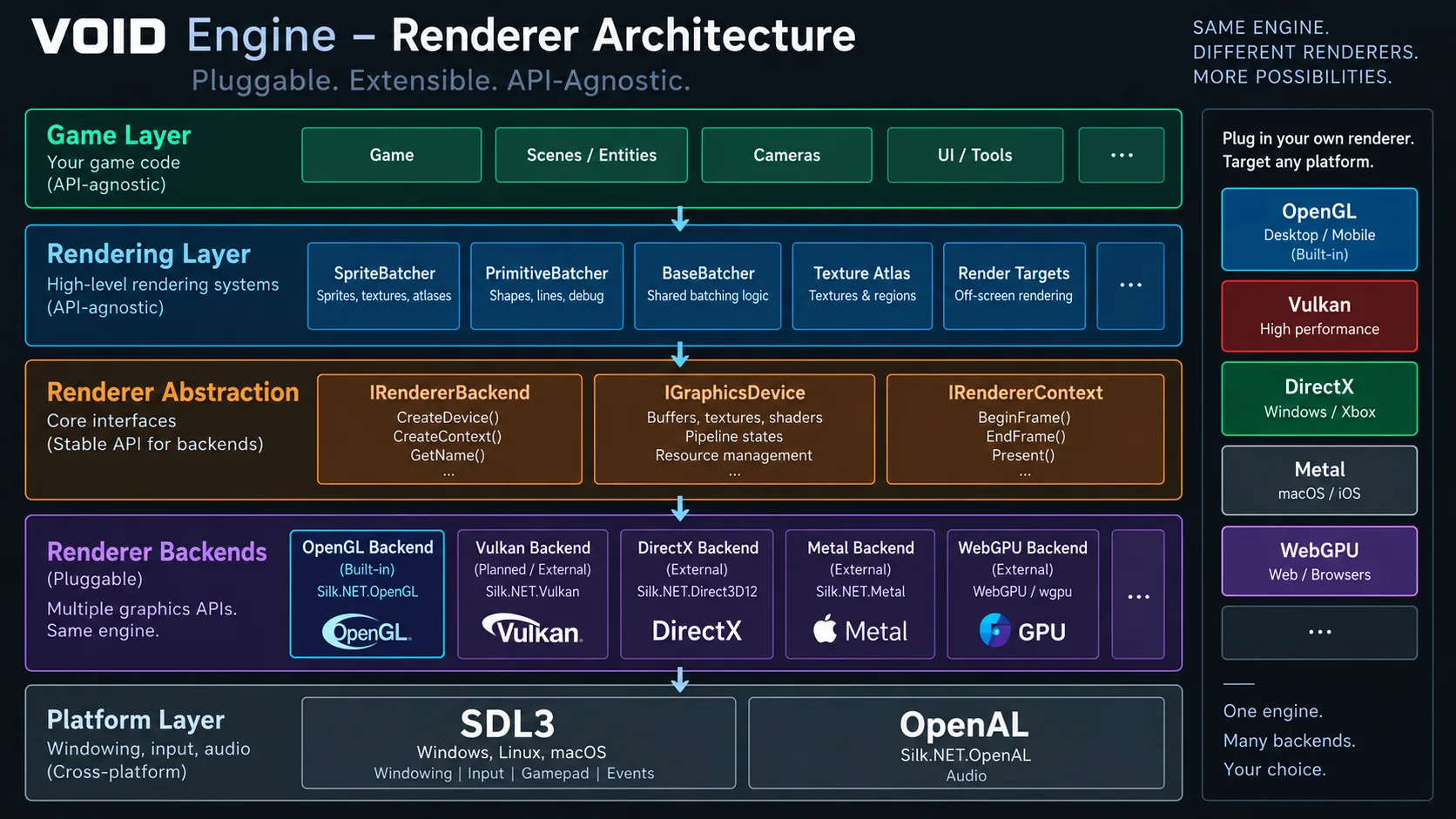
Sprite and primitive batching, atlases, shaders, render targets, post-processing, and a renderer-neutral API.
SDL3 windowing, displays, keyboard, mouse, gamepads, and fullscreen handling.
Virtual mounts, custom asset types, pack loading, project templates, and asset packing tools.
OpenAL playback, sound pooling, priority-based voice stealing, and category volumes.
Coroutines, tweens, pathfinding, encrypted saves, logging, math helpers, and LDtk integration.
Custom renderers, asset sources, atlas packers, logging sinks, batchers, render targets, cameras, and more.
Rendering
VOID ships with a built-in Silk.NET.OpenGL renderer, but OpenGL is a backend, not the identity of the engine. Public renderer-neutral contracts keep higher-level systems API-agnostic.
Real projects
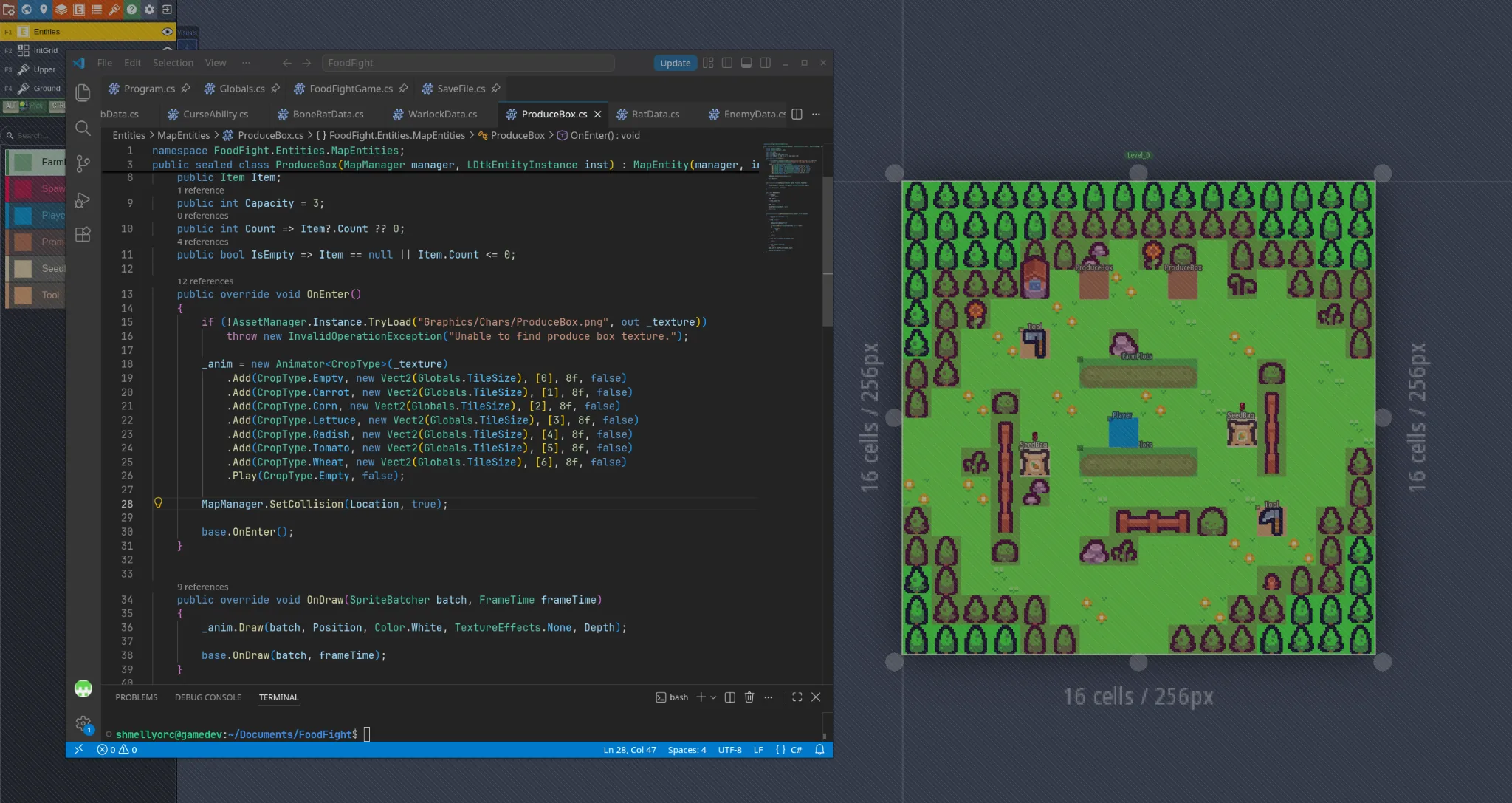
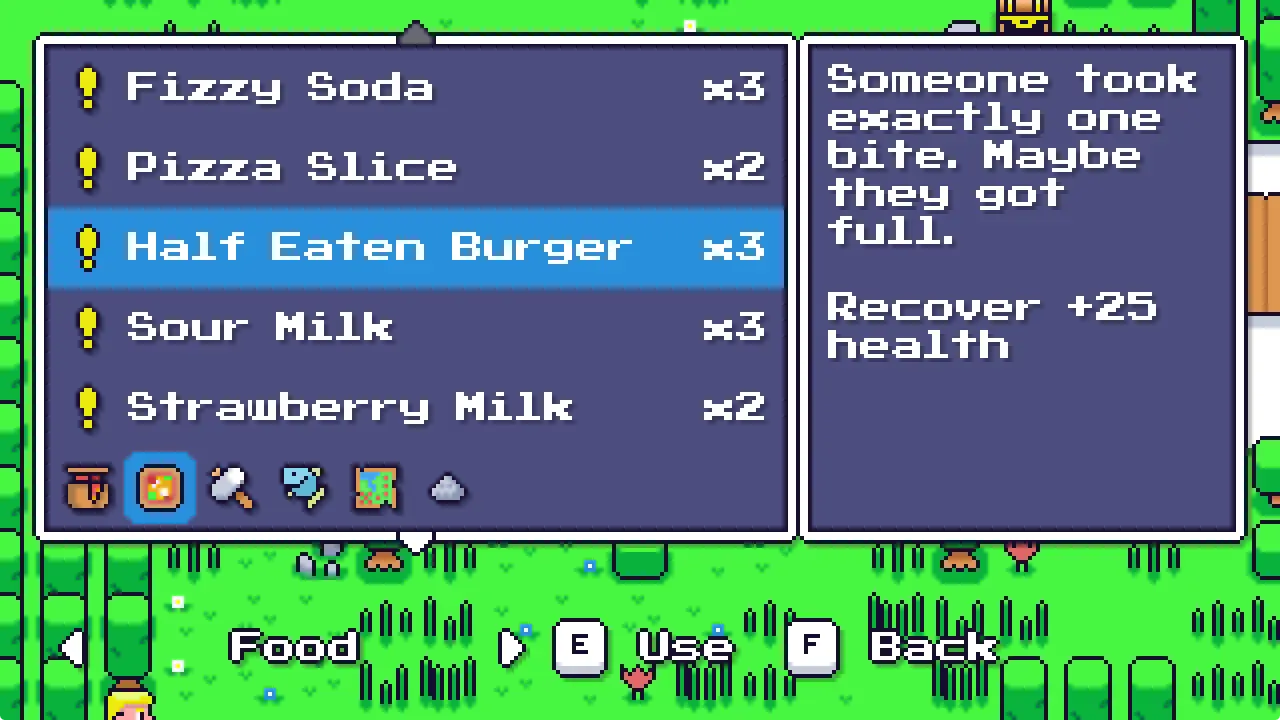
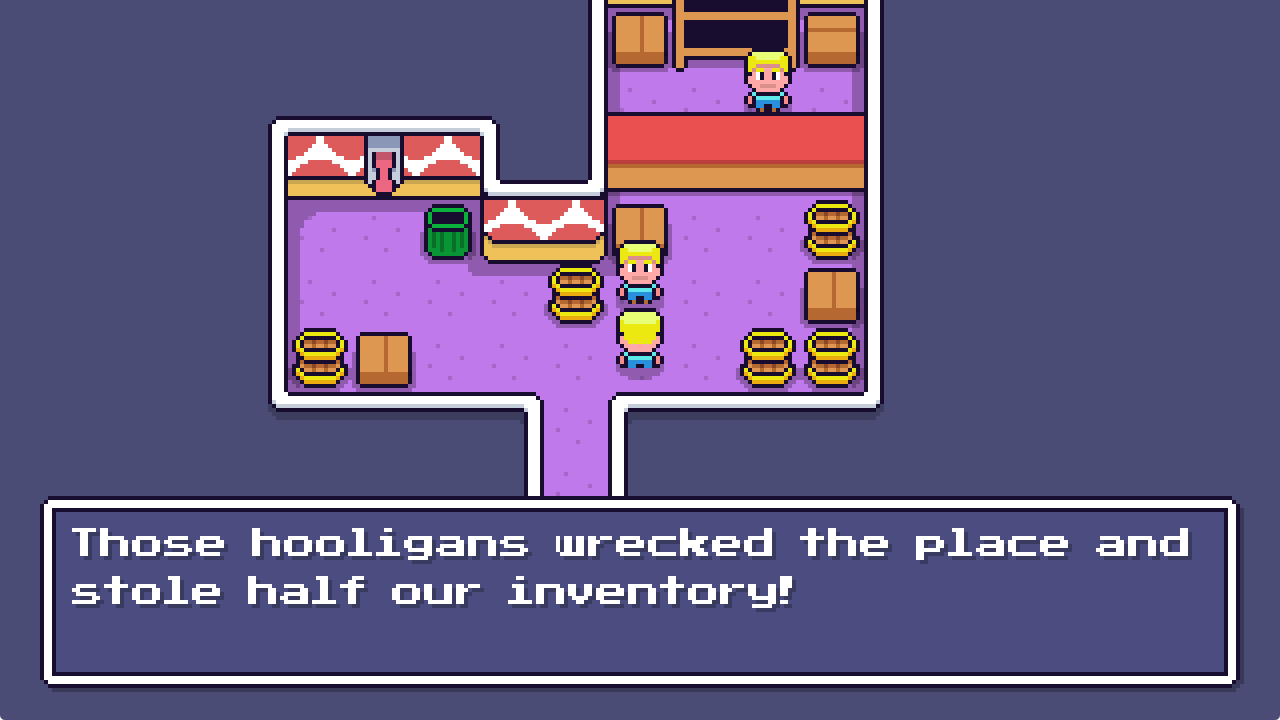
Real VOID project screenshots showing gameplay, in-game UI, and framework integration with LDtk.
Start simple
You do not need to understand VOID's renderer architecture to make your first game. Start with the official project template and use the built-in systems. The deeper architecture is there when you need it.
dotnet new install Void.Templates

dotnet new voidgame -n MyGame
cd MyGame
dotnet run